
Same photo. Only one is on Vivid.
Group chats and feeds shrink what you send. Vivid keeps each photo at up to 3840 pixels wide. Drag the handle to see the difference.
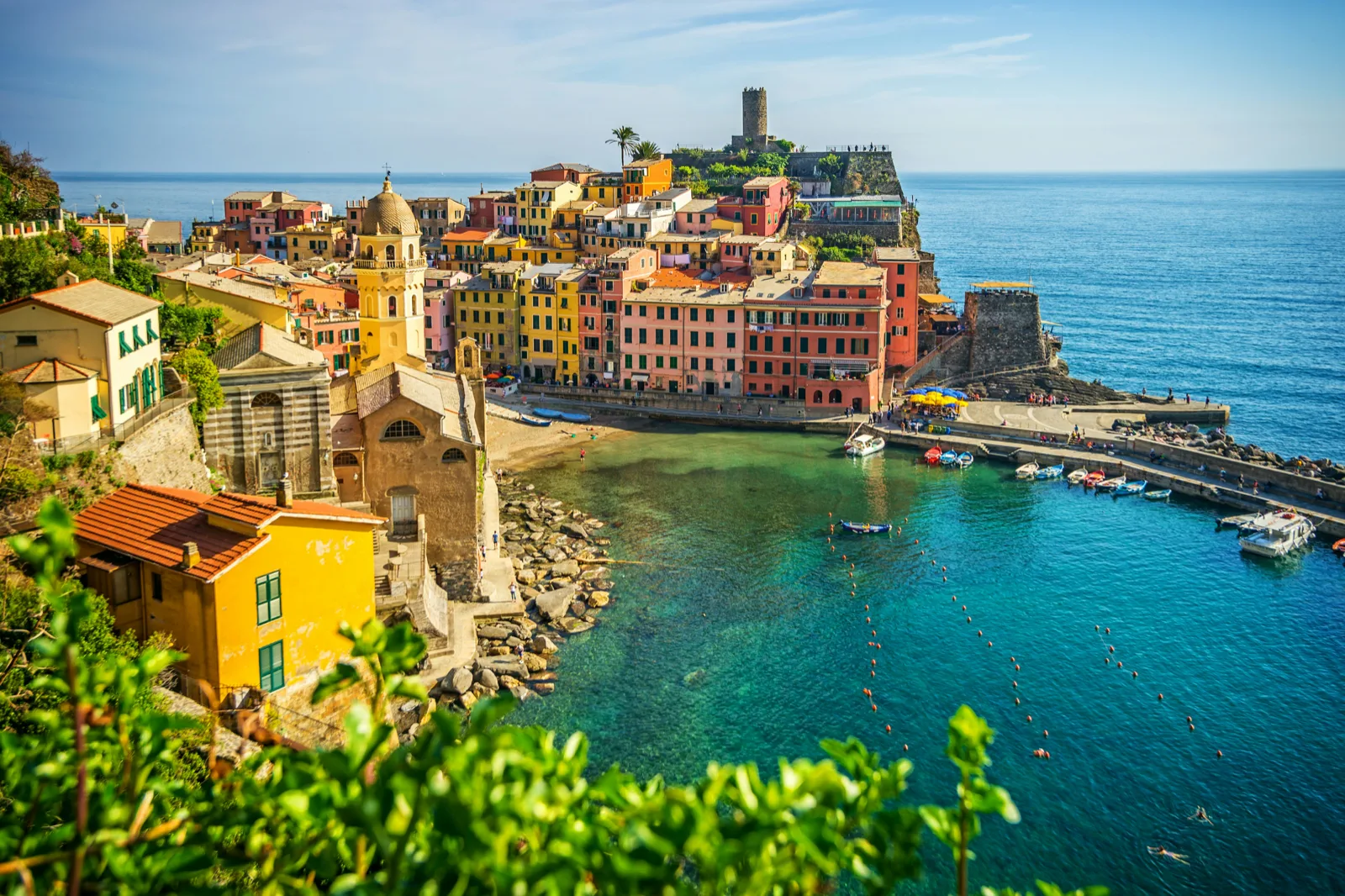

Left side is a simulation: the same photo shrunk and compressed, the way a chat app sends it.
Where the sharpness comes from.
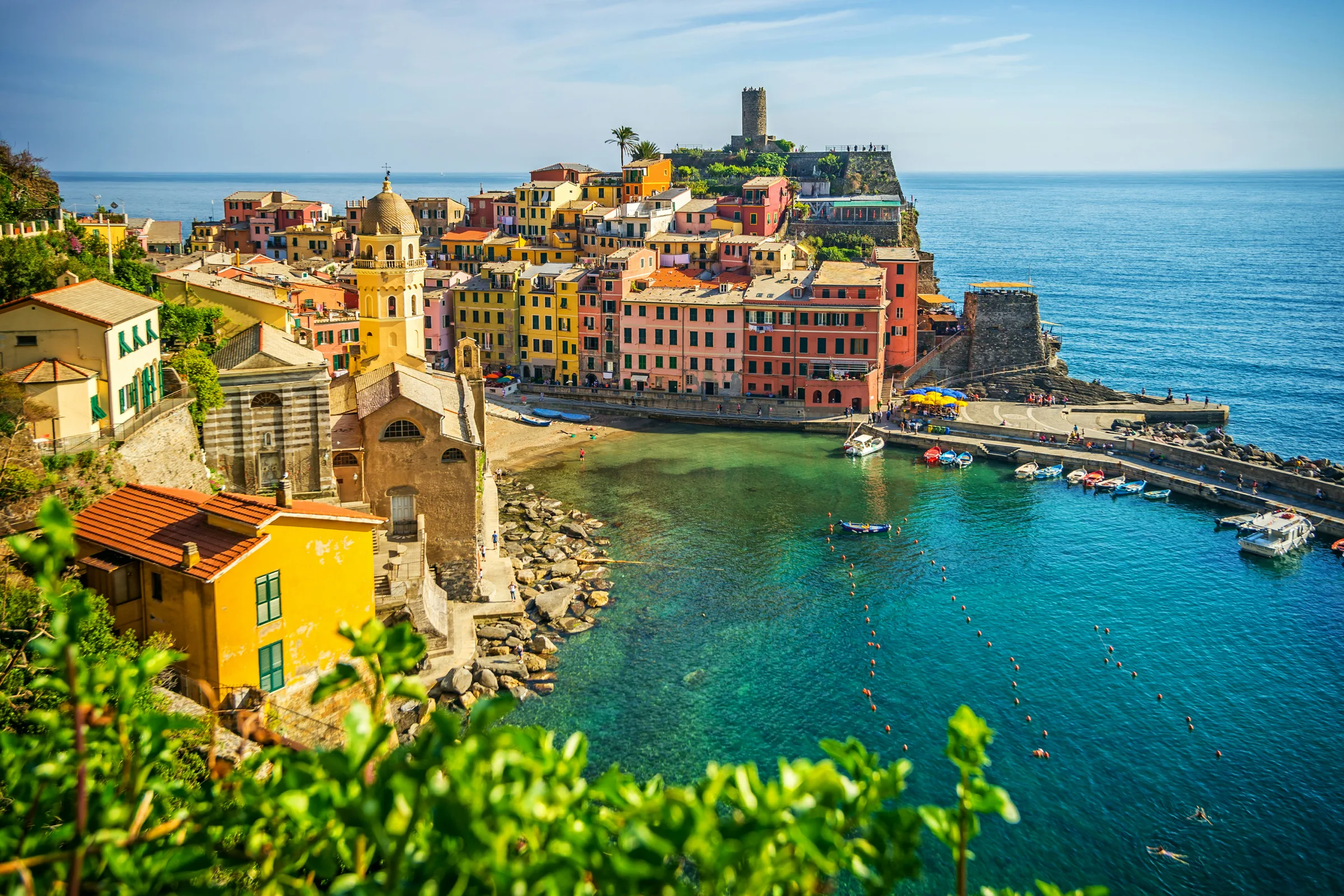 A detail, shown at full size
1
A 4K copy of every photo
We keep each photo at up to 3840 pixels wide. That is what readers zoom into.
512
800
1600
3840 px
2
Four sizes, one for each screen
A phone loads a light one fast. A large display gets the big one.
3
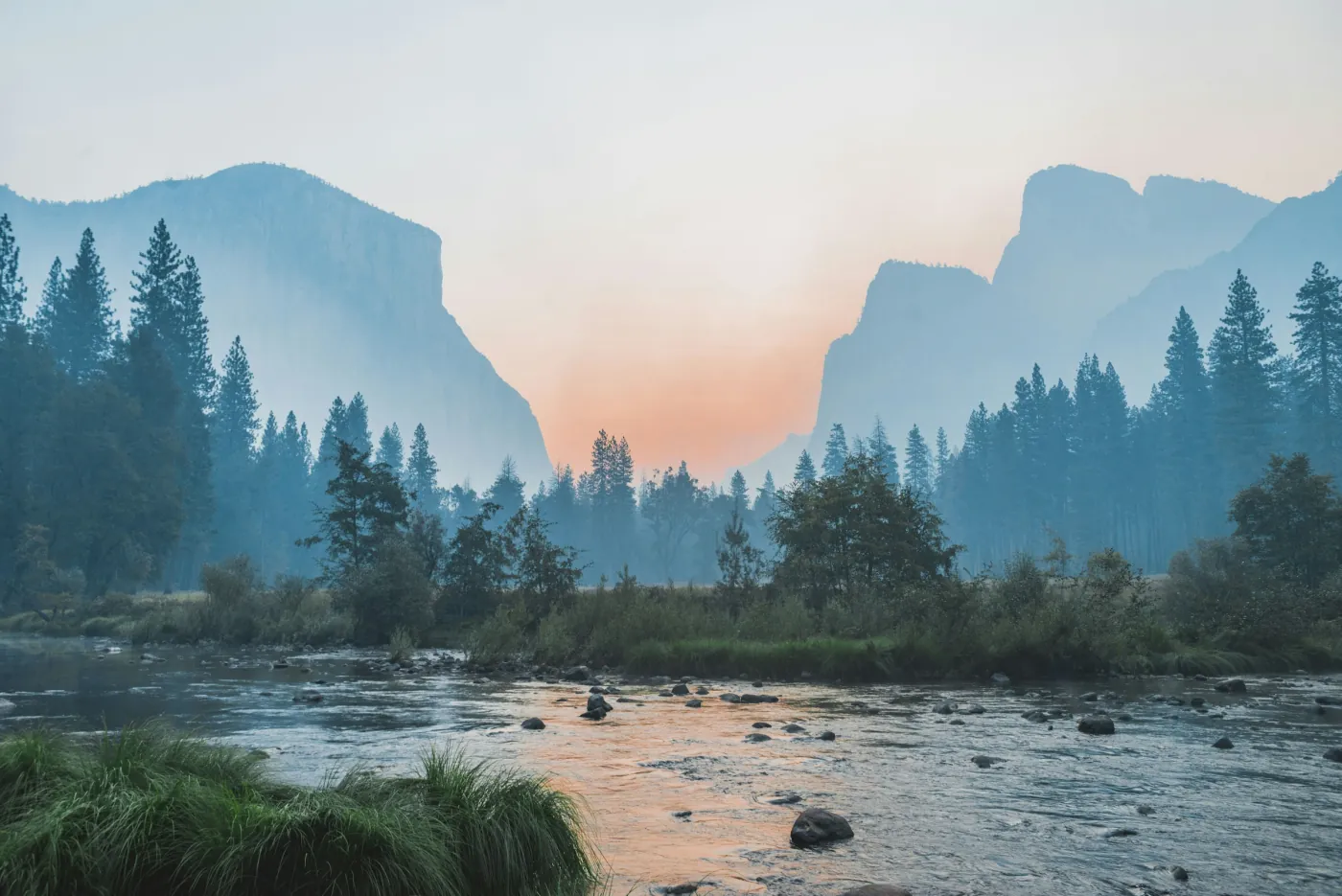
A viewer that never crops
Open any photo to see the whole frame. Then zoom in and move around.
Video starts fast, then sharpens.
Upload the clip as it is. In the Cinematic story mode, Vivid streams it adaptively: playback begins right away and quality steps up to the best each viewer's connection can carry. Other story modes play your original file. It plays with sound on any device.
Video clips are part of Plus, Pro and Studio.
Quality while a clip plays
Starts playing
Steps up
Best your connection carries
Your originals, untouched.
The slider shows what readers see. Behind it, Vivid keeps the exact file you uploaded. We never compress it, and you can download it any time.
Original files come with Plus, Pro and Studio.
 Original kept
IMG_2047.HEIC
Exactly as you uploaded it
Whole story
Every original, in one ZIP
Start with a handful of photos.
Everyone's first story is free. No credit card, no time limit.
Start your first story